Custom CRM
Custom CRM development for your quotes and follow-up
The sale sits in a spreadsheet, a chat and the last quote you sent. We build a custom CRM around that work, and a first working version is ready in 2 weeks.
We built a CRM for a B2B company from scratch in 2 weeks.
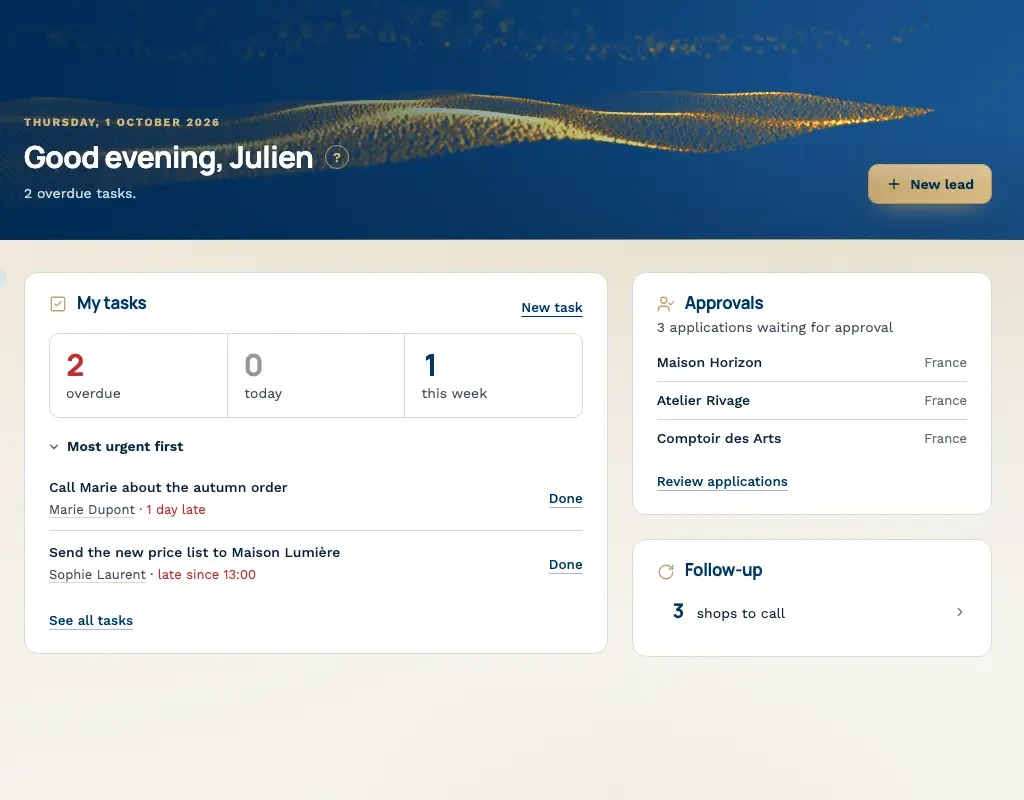
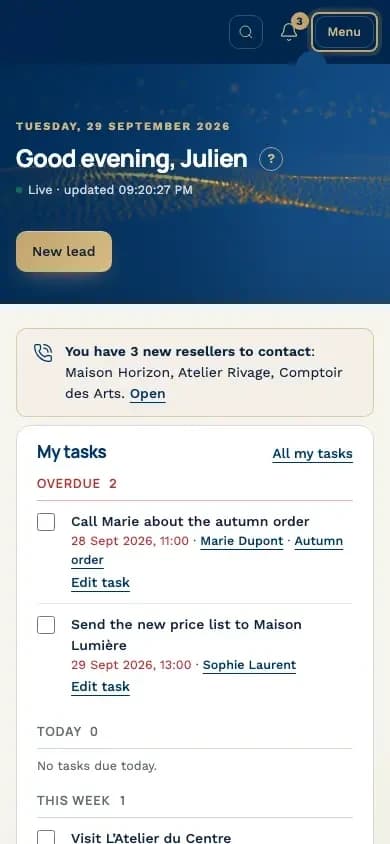
Example screens with demo data from a CRM we built.
Where the deal sits today
01
The pipeline is a spreadsheet
Your companies live in a spreadsheet. One tab holds the open quotes. Another holds the date you last spoke. Two people edit the file, and you end up with two copies. The Monday meeting starts with a hunt for the row that is still true. A buyer can say yes on a call while the cell still says waiting.
02
The follow-up is stuck in a chat
The buyer writes in a chat. It may be WhatsApp, Zalo, or a thread with your own team. Someone promises to send the quote after lunch. That promise stays in the chat. Three days later the message is buried under newer ones. The deal is a line of text, and the line has scrolled away.
03
The quote has no owner
You send the quote as a PDF on an email. It lands in a sent folder, or it sits on a desktop. There is no name on the next step, and there is no date. The buyer has the PDF. Your team has no record of who should call them.
The same deals, two ways
On the left, how a quote moves today. On the right, the same deals in a CRM, with an owner and a next step on every card.
| Company | Quote | Last contact | Next step |
| Comptoir des Arts | 1,550 | 12 Sept | ? |
| Boutique Exemple | 1,800 | see chat | call Marie? |
| L'Atelier du Centre | 2,400 | ? | ? |
| Atelier Rivage | sent? | 3 Sept | ? |
Can you send the quote today?
Sure, I'll send it after lunch.
Any news on the quote?
Example screens with demo data from a CRM we built.
What you lose if nothing changes
A buyer asks for the quote on Monday. You send it on Tuesday. The reminder to call sits in a chat, and the chat moves on. By Friday nobody has called. They take the quote from the company that did call. Sometimes a second PDF goes out, because nobody could find the first.
A salesperson leaves. The spreadsheet stays. The memory does not. The new colleague has rows of company names and a folder of old quotes. They cannot see which quote is still open, or what the buyer asked last. The first weeks go to old files. The history of the account left with one person.
What we build in the first release
The first release covers one workflow: the quote, the person who owns it, and the next step. A working version is ready in 2 weeks. Wider work waits until your team is using this.
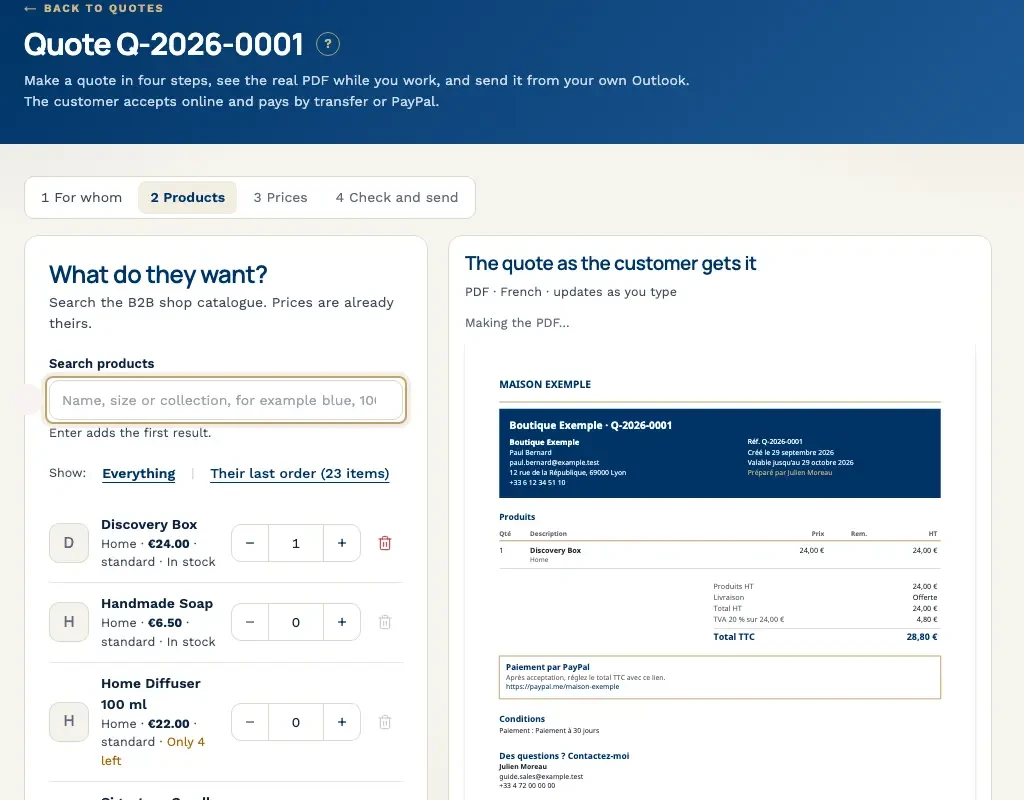
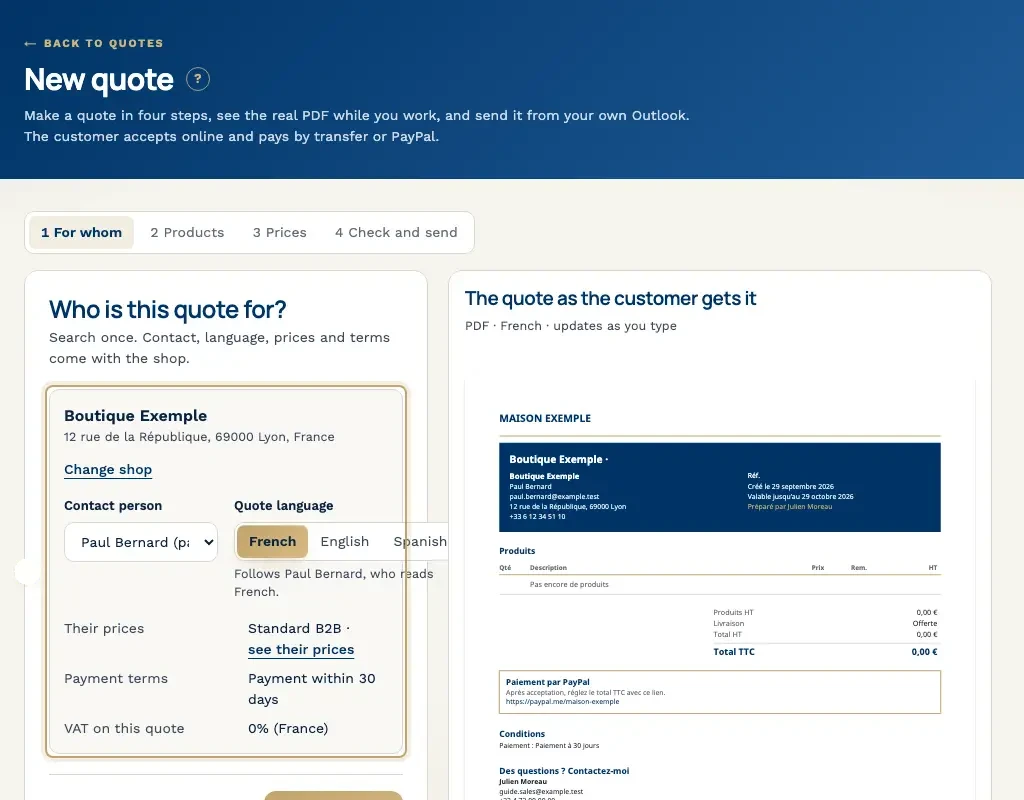
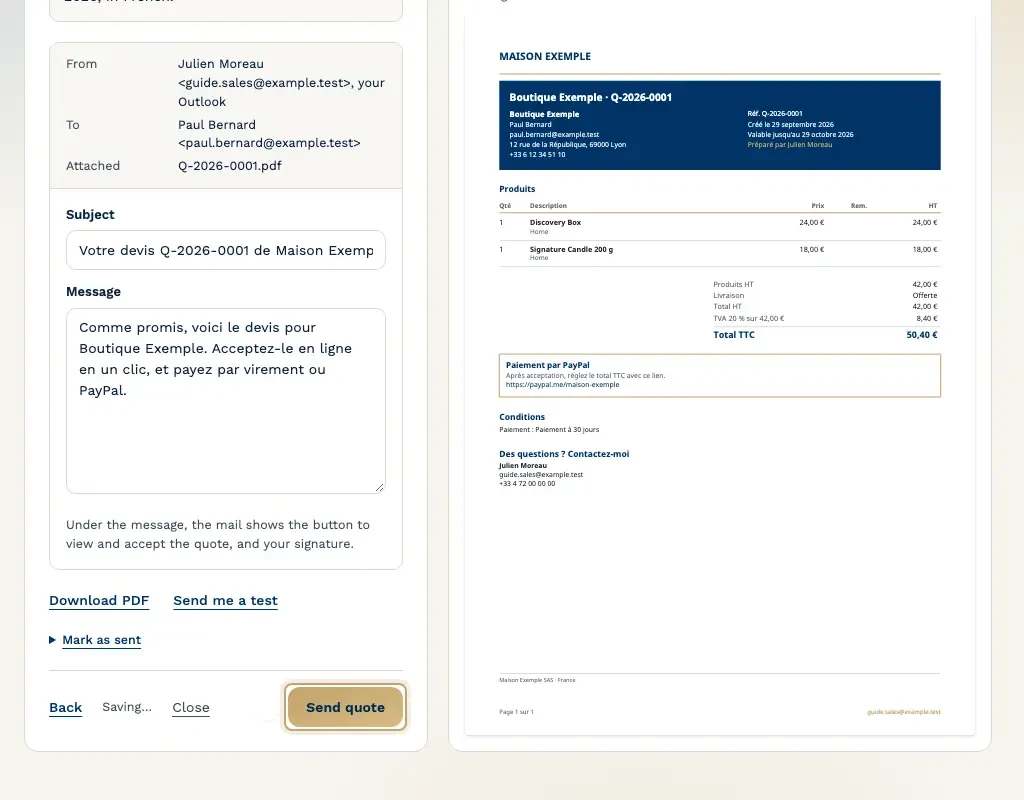
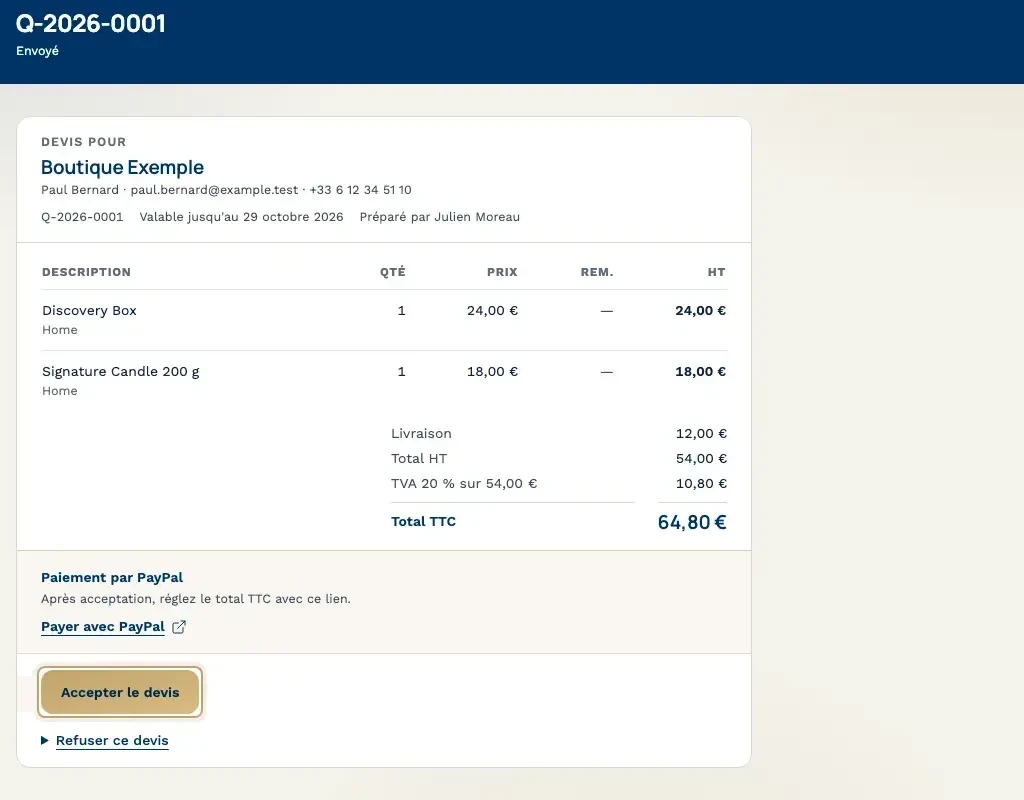
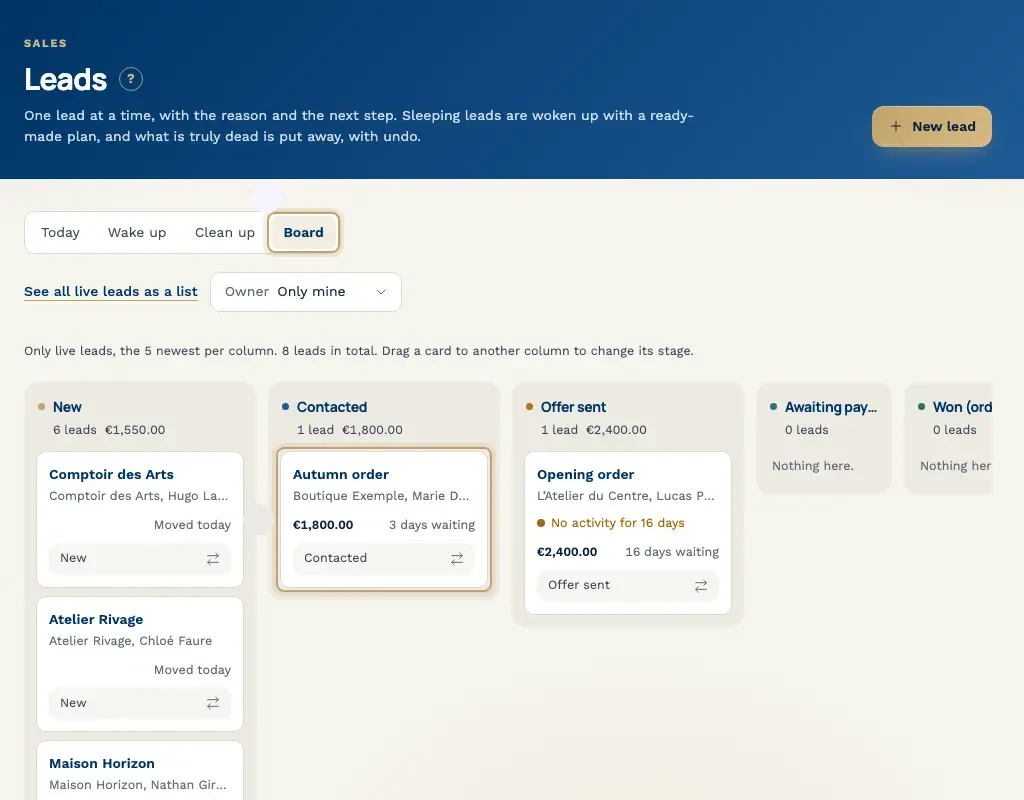
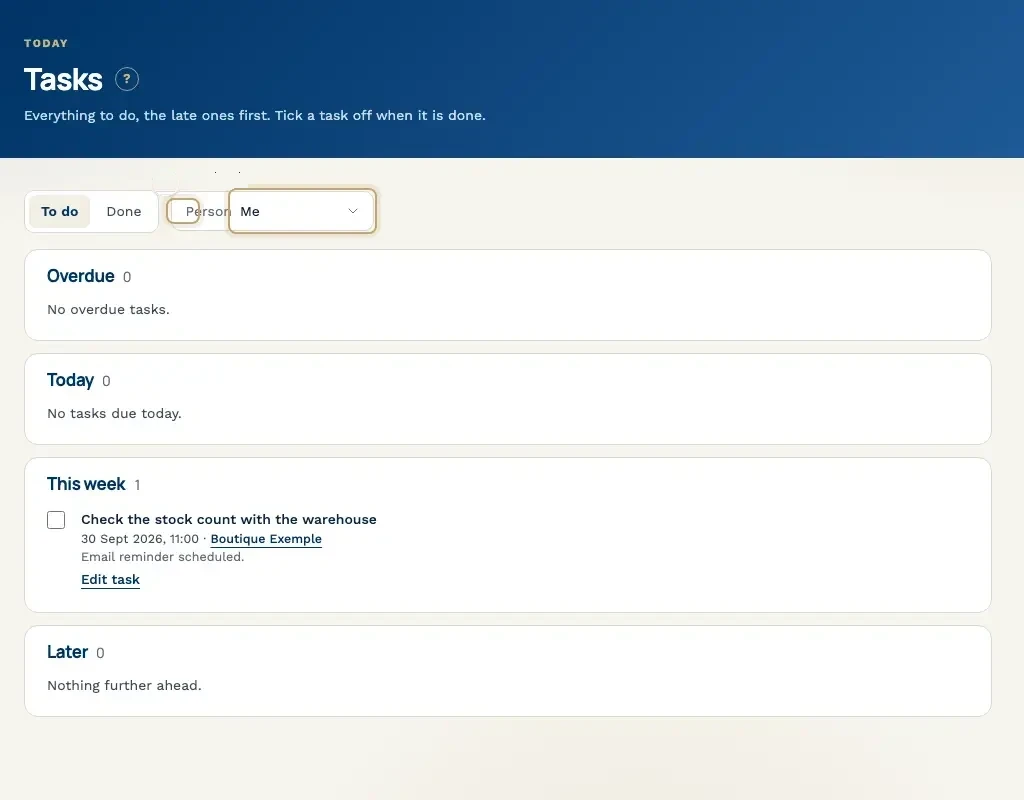
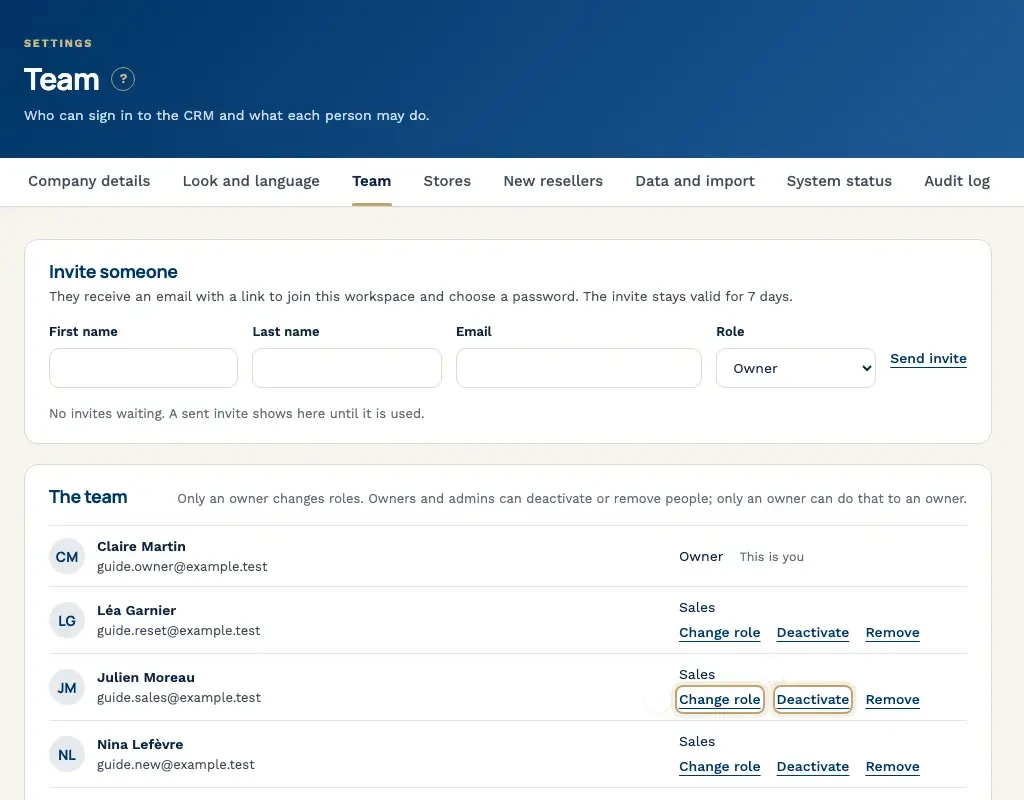
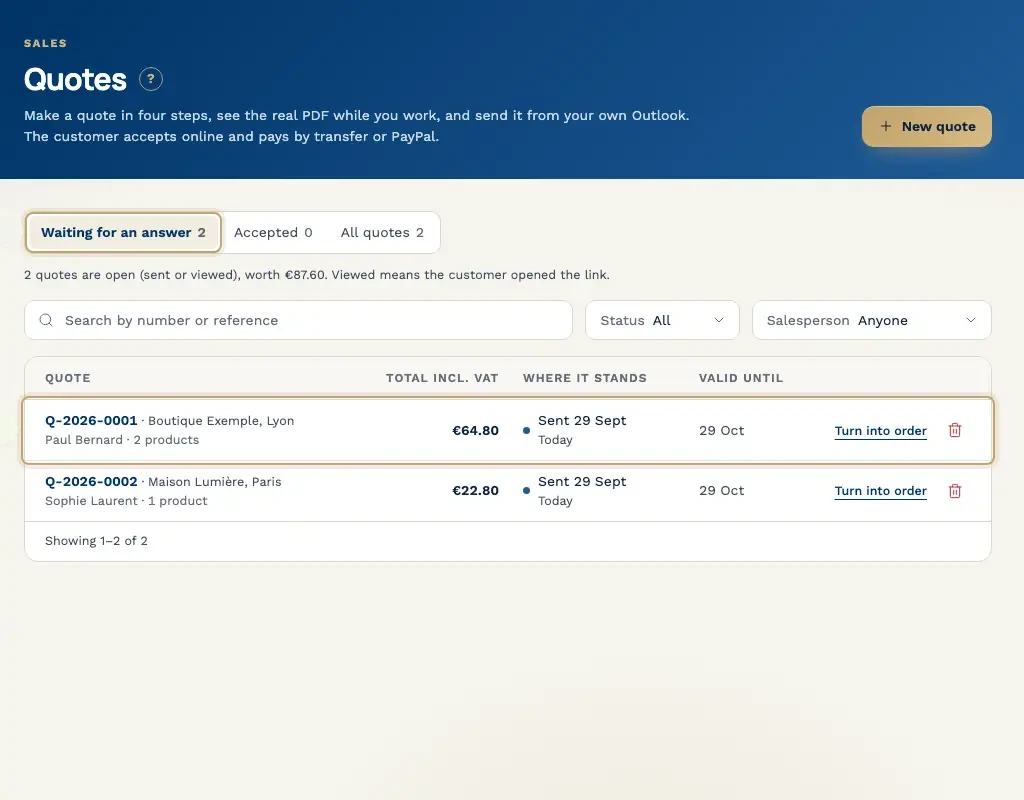
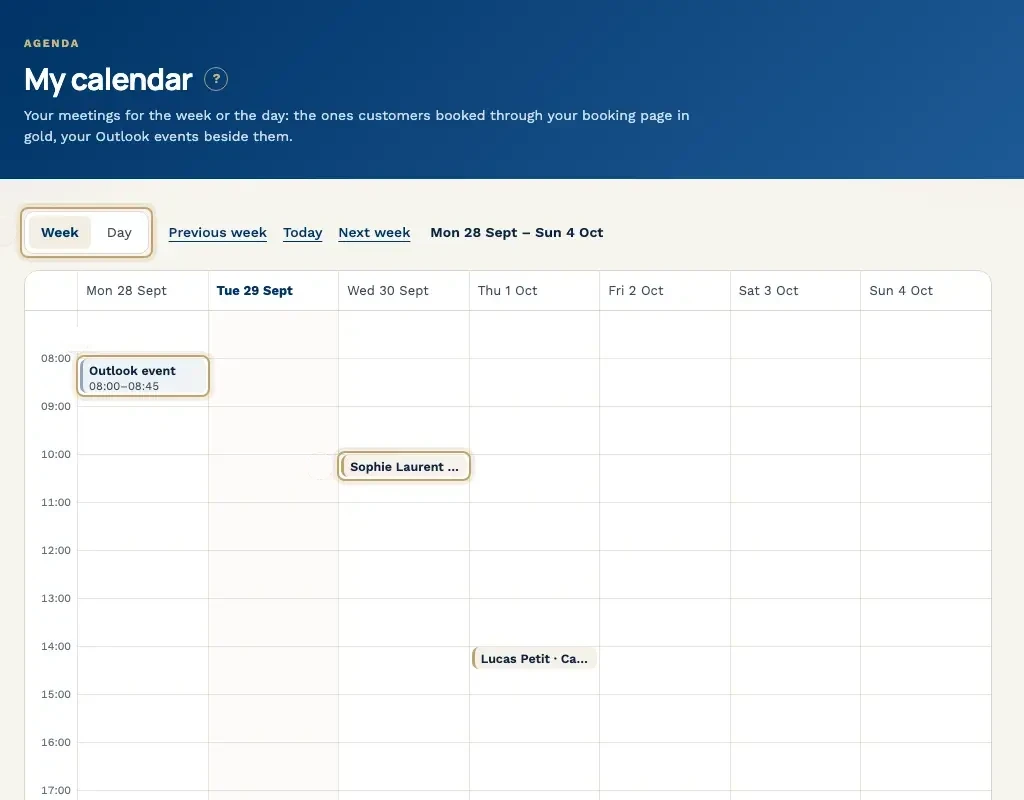
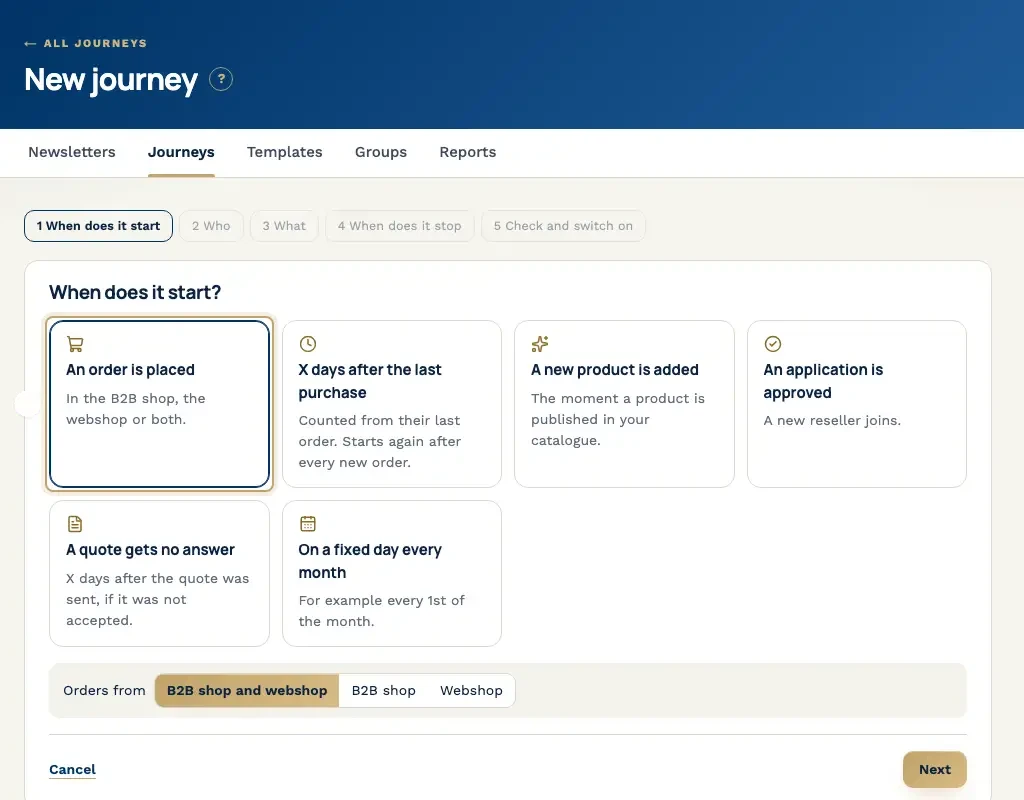
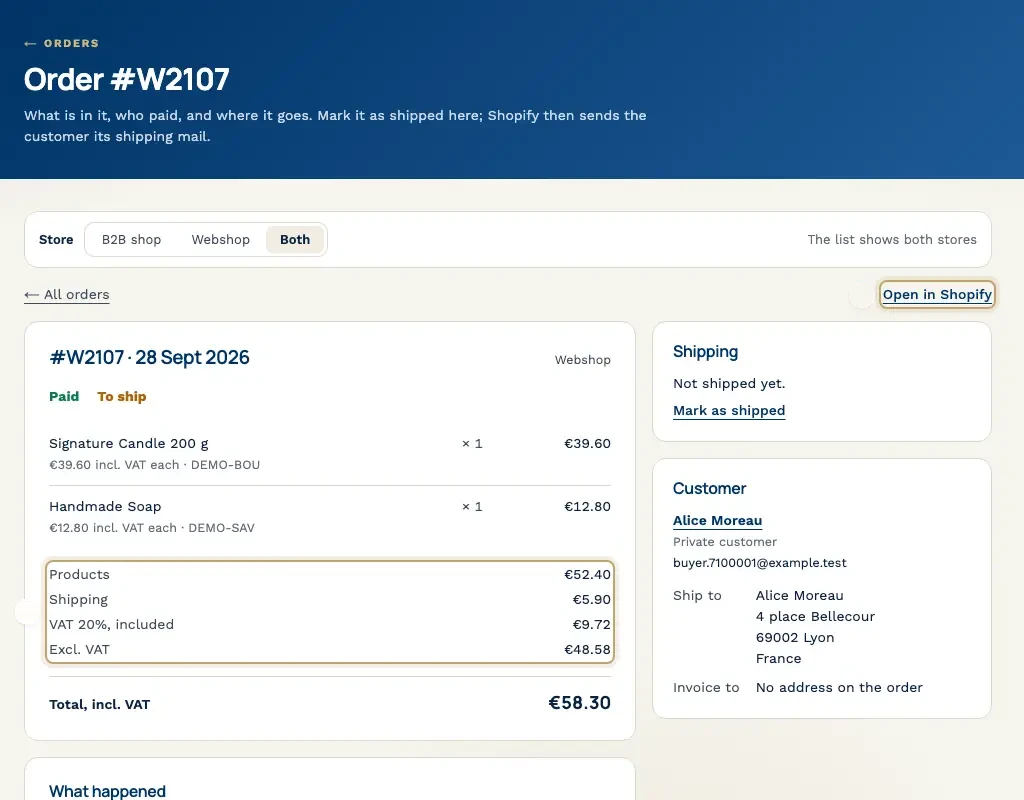
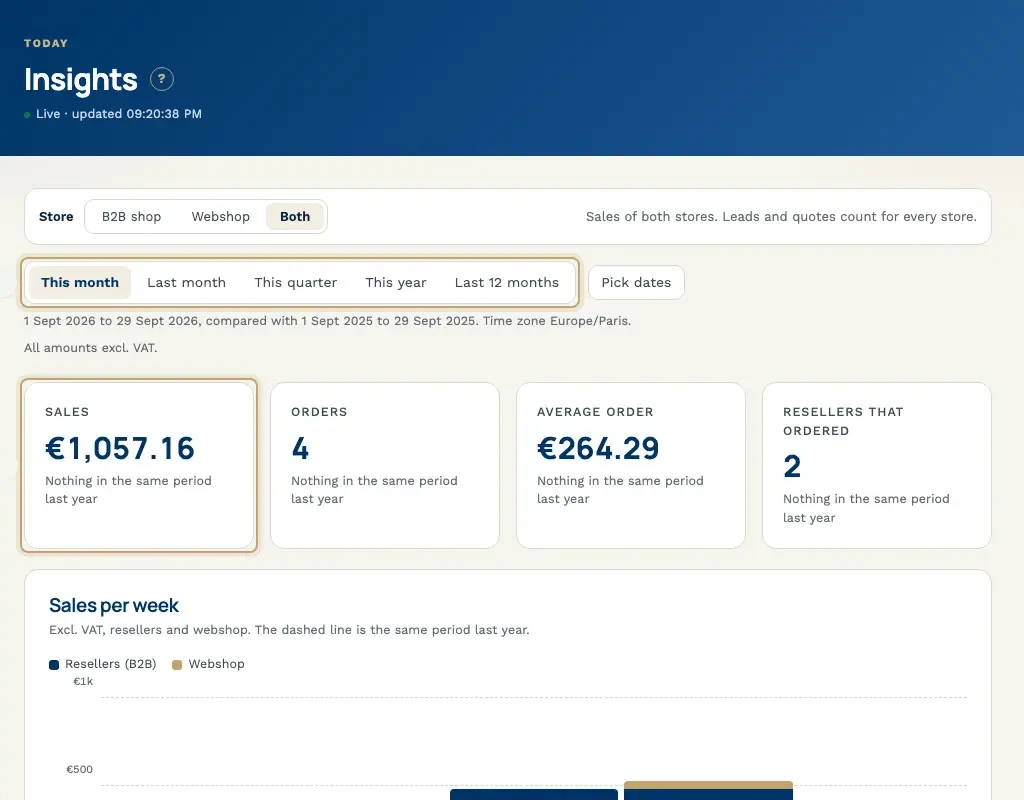
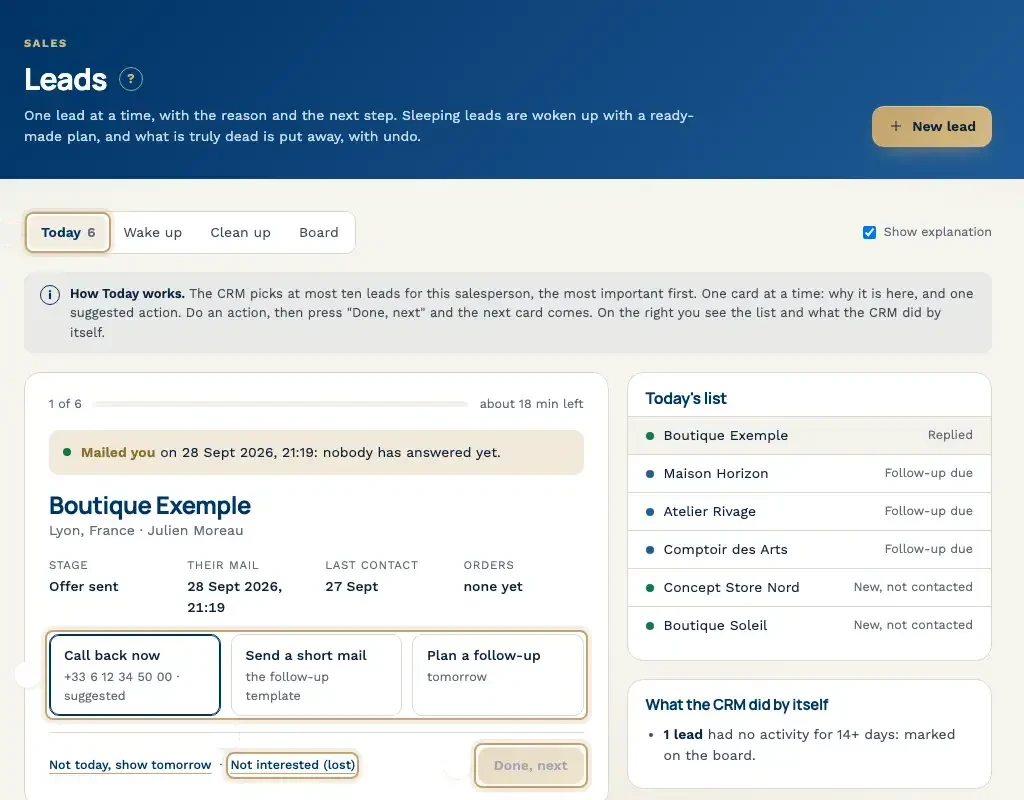
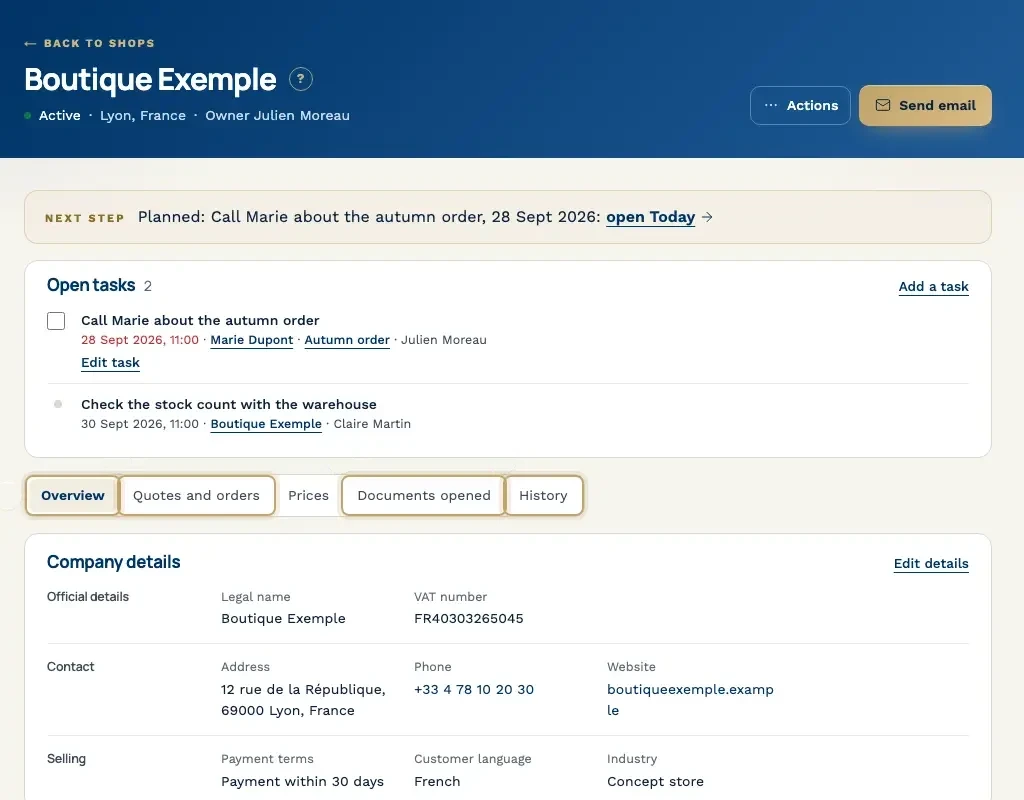
Example screens with demo data from a CRM we built.
What we have built
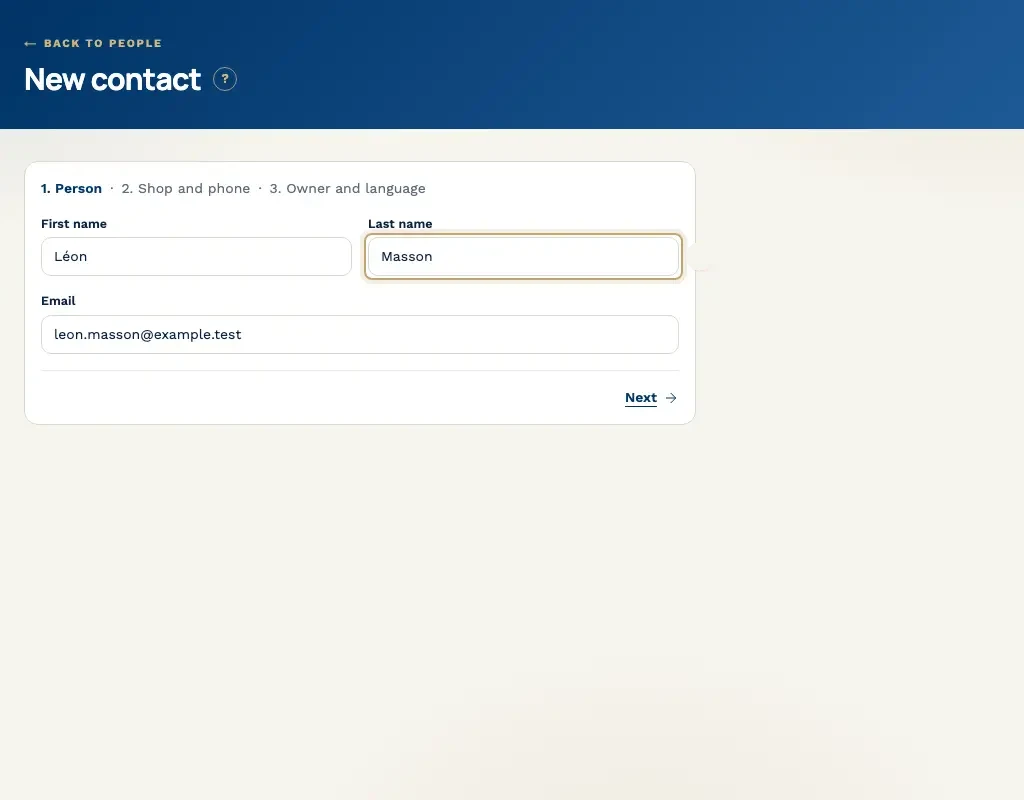
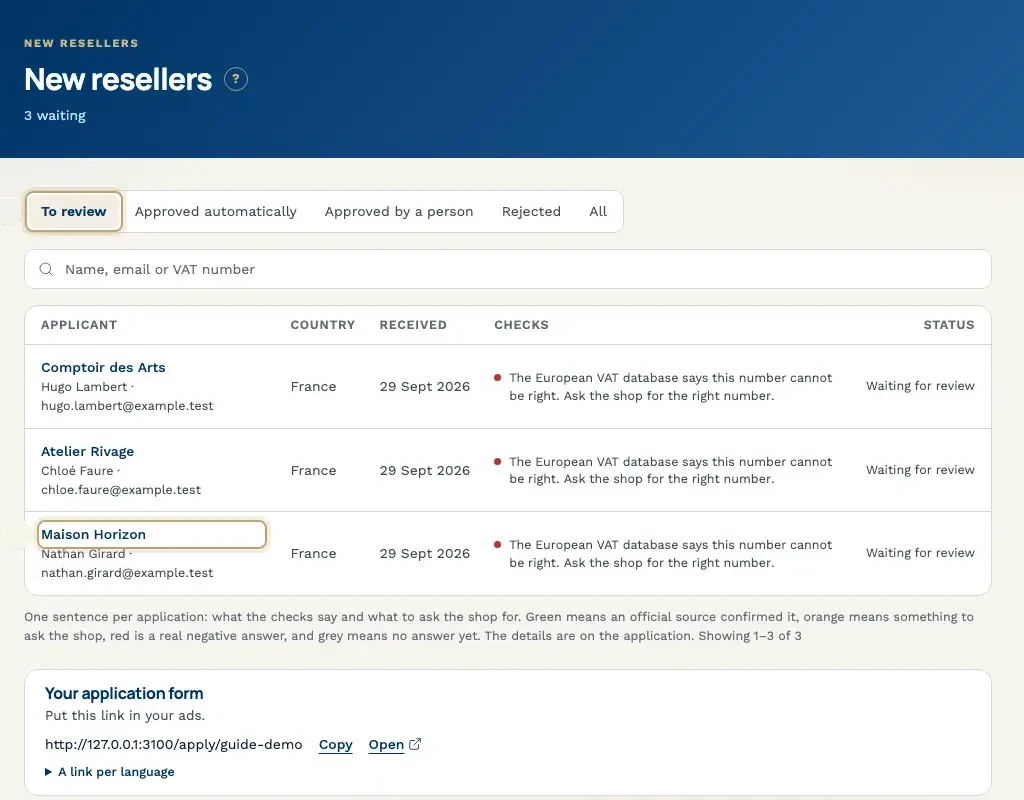
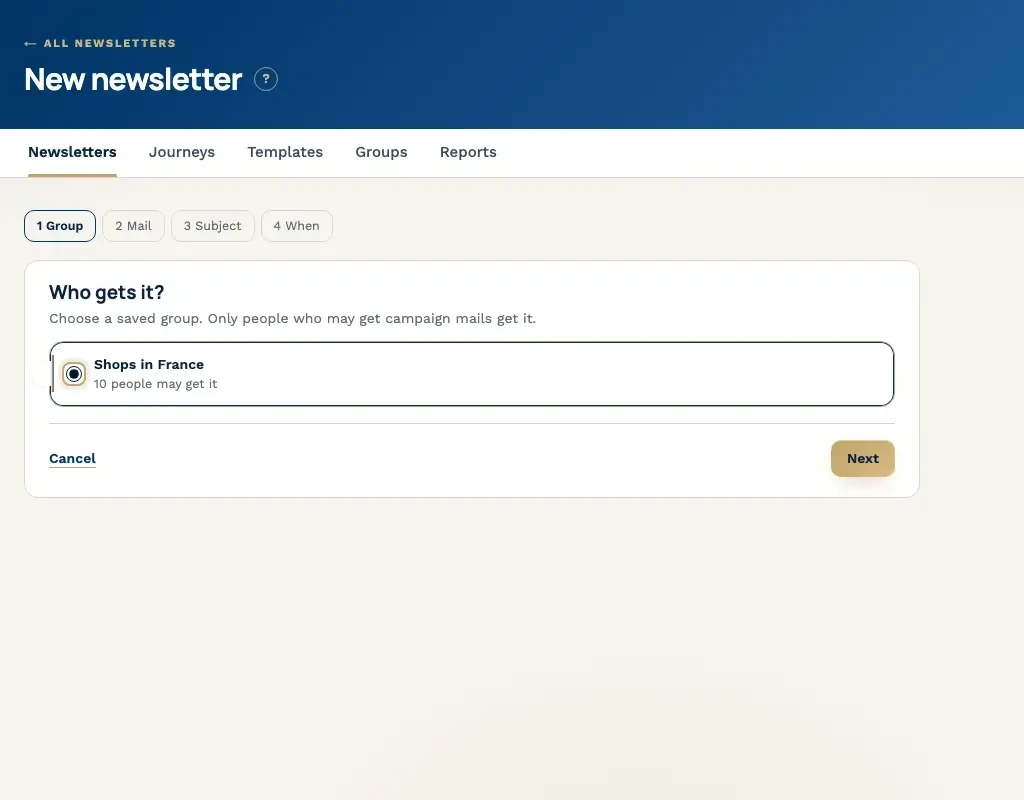
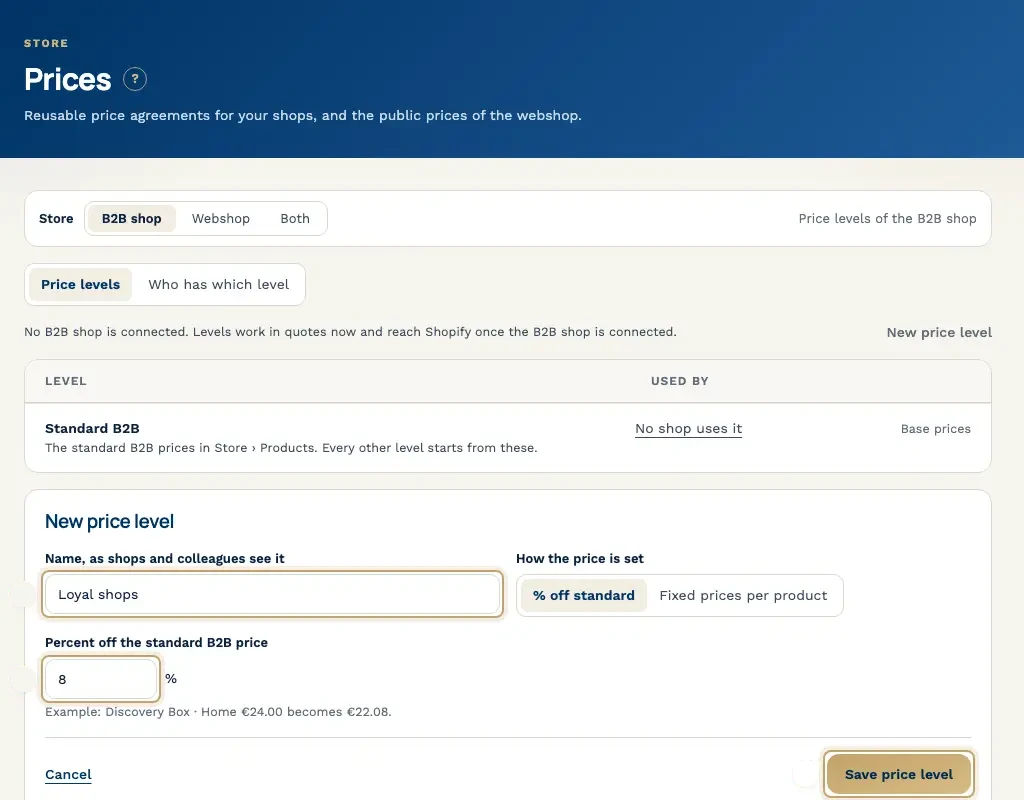
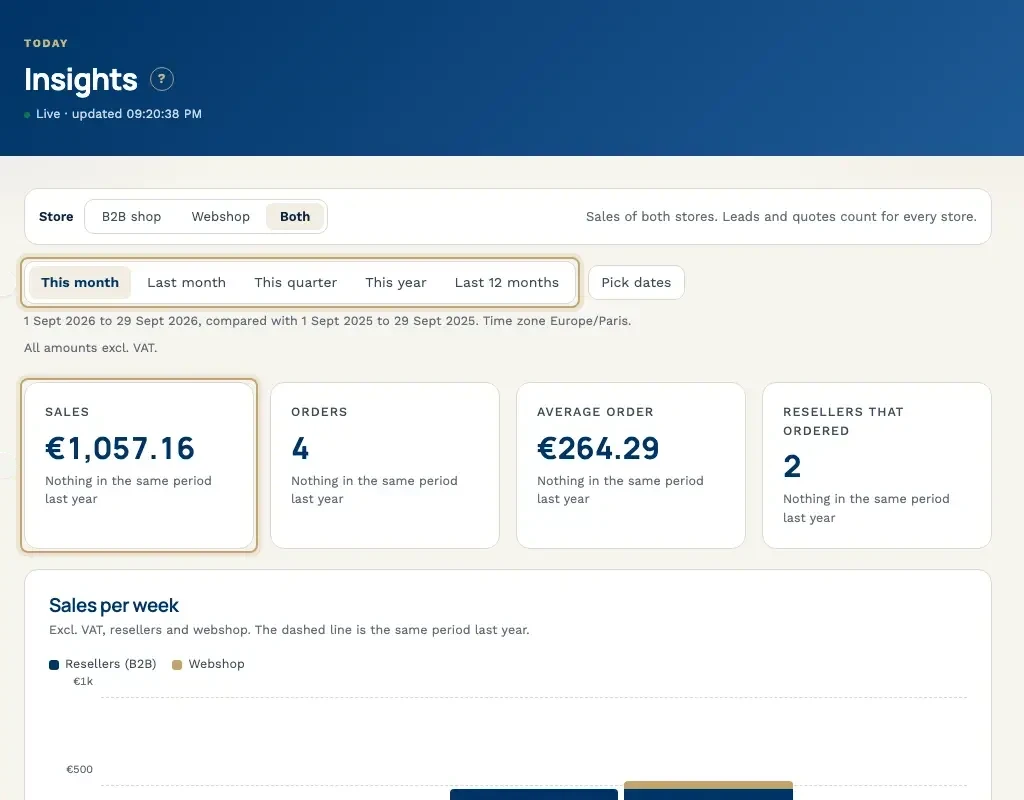
Every screen below comes from a CRM we built and runs on demo data: leads, quotes, orders, customers, tasks, email, prices and reports. Click through, or let it run.
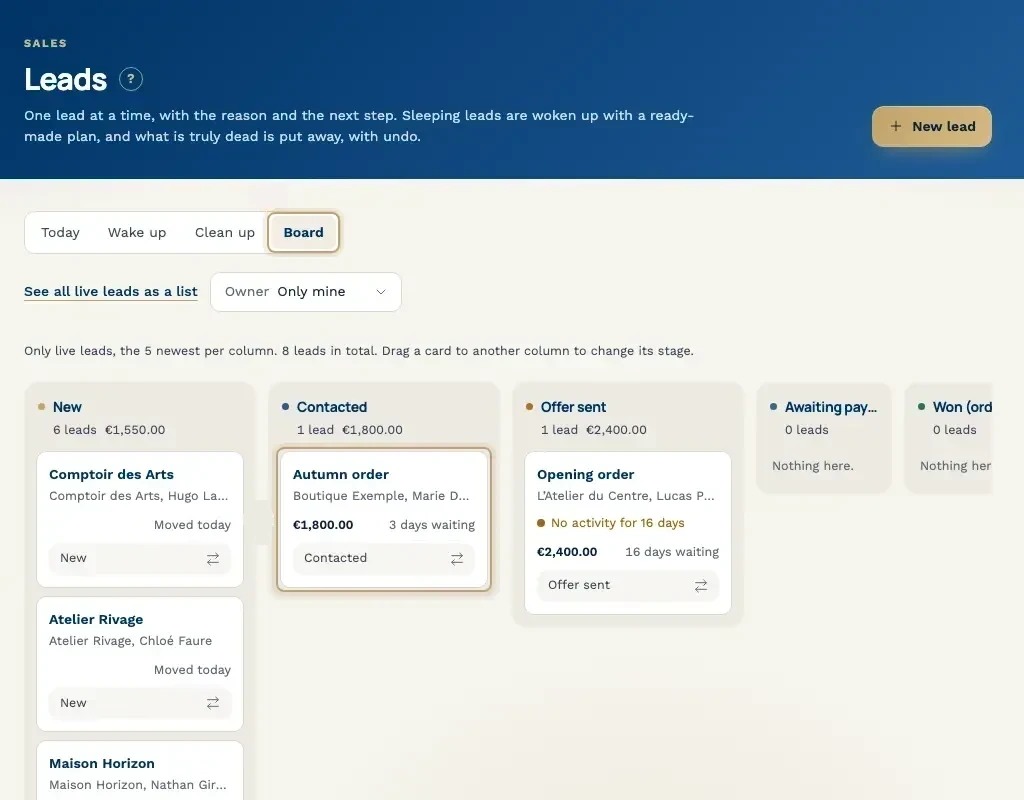
Live leads arranged in columns by stage, each card showing the value and how long it has been waiting.
Example screens with demo data from a CRM we built.
One build
A B2B CRM, built from scratch
A B2B company needed its own CRM. We did not set up an existing product. We built the CRM from scratch. Two weeks later a working version was ready.
2 weeks
From scratch to a working CRM
How the 2 weeks go
A first working version takes 2 weeks. A large move of old records, more roles or more connections can take longer. We say that on the 30-minute call, before the build starts.
Days 1 to 2
We learn the workflow
We talk with the people who do the work. Who writes the quote. Who sends it. Who notices when there is no reply. We look at the spreadsheet and the chat that hold this today. We write down the screens for the first release, and we write down what waits.
Days 3 to 10
We build the first release
We build the company, the contact, the quote and the next step. The roles you named are in the same build. Each person sees the records that match their work. You see the screens during these days. What we agreed to leave out stays out.
Days 11 to 12
We connect and move what we agreed
We connect the channels this release uses: email, WhatsApp, Zalo, your webshop, your accounting or the phone. If old records move now, we move the set we named on days 1 and 2. A history of many years does not fit in these two days.
Days 13 to 14
Your team works in the CRM
Your team opens the CRM and works one of your own quotes. Each open quote has an owner and a next step. We stay with the questions that block these two days. At the end of day 14 you have a working version.
What sets the price and the build time
Every CRM is priced on what it has to do. Six things decide the price and the build time. On a 30-minute call we go through them against your workflow.
- Roles: how many people need a view of their own, and how those views differ.
- Connections: email, WhatsApp, Zalo, your webshop, your accounting and the phone. Each one we connect adds work.
- Existing data: whether we move old records into the CRM, and how many records that is.
- Permissions: who may view, edit, export or delete a record.
- Languages: how many languages the screens need to run in.
- Hosting and care after the first release: where the CRM runs, and what you want from us once it is in use.
Questions before the call
It depends on six things: roles, connections, moving existing data, permissions, languages, and hosting plus care after the first release. On a 30-minute call we tell you which of the six apply to you, and what that means for the price and the 2 weeks.
A first working version is ready in 2 weeks. We built a CRM for a B2B company from scratch in that time. Days 1 to 2 map the workflow. Days 3 to 10 build the screens and the roles. Days 11 to 12 connect what you need and move the records we agreed. Days 13 to 14 are for your team to use it. A large set of old records, more roles or more connections can take longer. We say so before we start.
A standard CRM is a shared product that you configure, and your process bends to its screens. A custom CRM starts from your process: the quote, the owner and the next step, the work that now sits in a spreadsheet, a chat and an email. You get those screens and nothing you did not ask for, and the code is built for your team.
Yes. Email, WhatsApp, Zalo, your webshop, your accounting and the phone can be connected when we agree they are part of the release. A message or a call then sits on the same record. Each connection changes the price and the build time. We name them on the call.
We move the companies, contacts and quotes we name with you before the build. How many records move changes the price and the time. A small set can fit in the 2 weeks. A long history takes longer. We do not promise a field for every old cell on day one. The rest stays where it is.
A spreadsheet holds rows, and two copies drift apart. A CRM is the company, the contact, the quote and the next step, with one owner. The follow-up message in the chat can sit on that same record. You stop searching a folder for the PDF.
Yes. Zalo and WhatsApp can be connected when buyers already write to you there. Extra languages take more build time and change the price. We work worldwide from Lim Tower in Ho Chi Minh City. Bring the language and the chat to the 30-minute call.
Hosting and care after the first release are one factor. We agree where it runs on the 30-minute call. The screen is the quote and the next step, the work your team already does. If you want us there after day 14 while they get used to it, that care is part of the same price conversation.
Bring one workflow to the call
Bring the spreadsheet, a chat where a follow-up got lost, and a quote with no owner. In the 30-minute call we say what the first release holds. We also say which of the six factors change the price and the 2 weeks.